Automatic Bonus Hunt Tracker: No Manual Entry on Stream
The extension detects when a bonus is bought and when the bonus game ends, then records the buy and the win in your hunt. The OBS widget updates in real time.
 Pavel··4 min read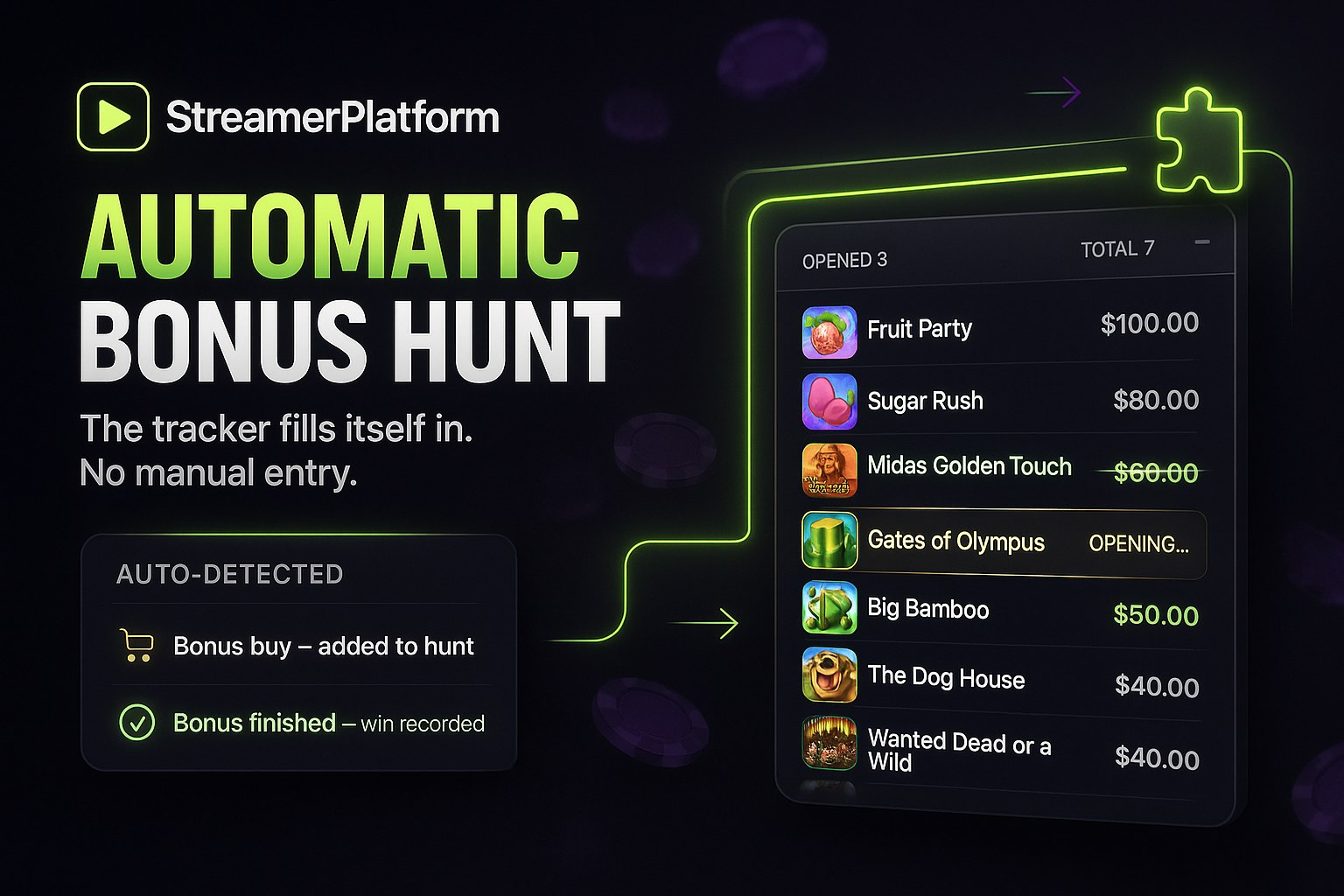
In our bonus hunt tracker article we showed how to collect slots from chat and run a hunt with commands. One chore still remained though: someone has to write down the buys and the wins. During a broadcast that is either the streamer or a moderator, and both get pulled away from the game and the chat.
Now nobody has to write anything. The platform can run a bonus hunt fully automatically: the extension detects the moment you buy a bonus, notices when the bonus game ends, and records both the buy cost and the win in the hunt on its own.
How it works
You install the small StreamerPlatform Bonus Hunt browser extension and keep the casino tab open while you play. The extension passively reads your own game session: the same data the casino page already receives to show you your balance and bet history. It sends nothing to the casino, clicks nothing for you and does not parse the screen.
From there the data flows to your site: session stats go to the stream overlay, and every bonus goes into the active bonus hunt.
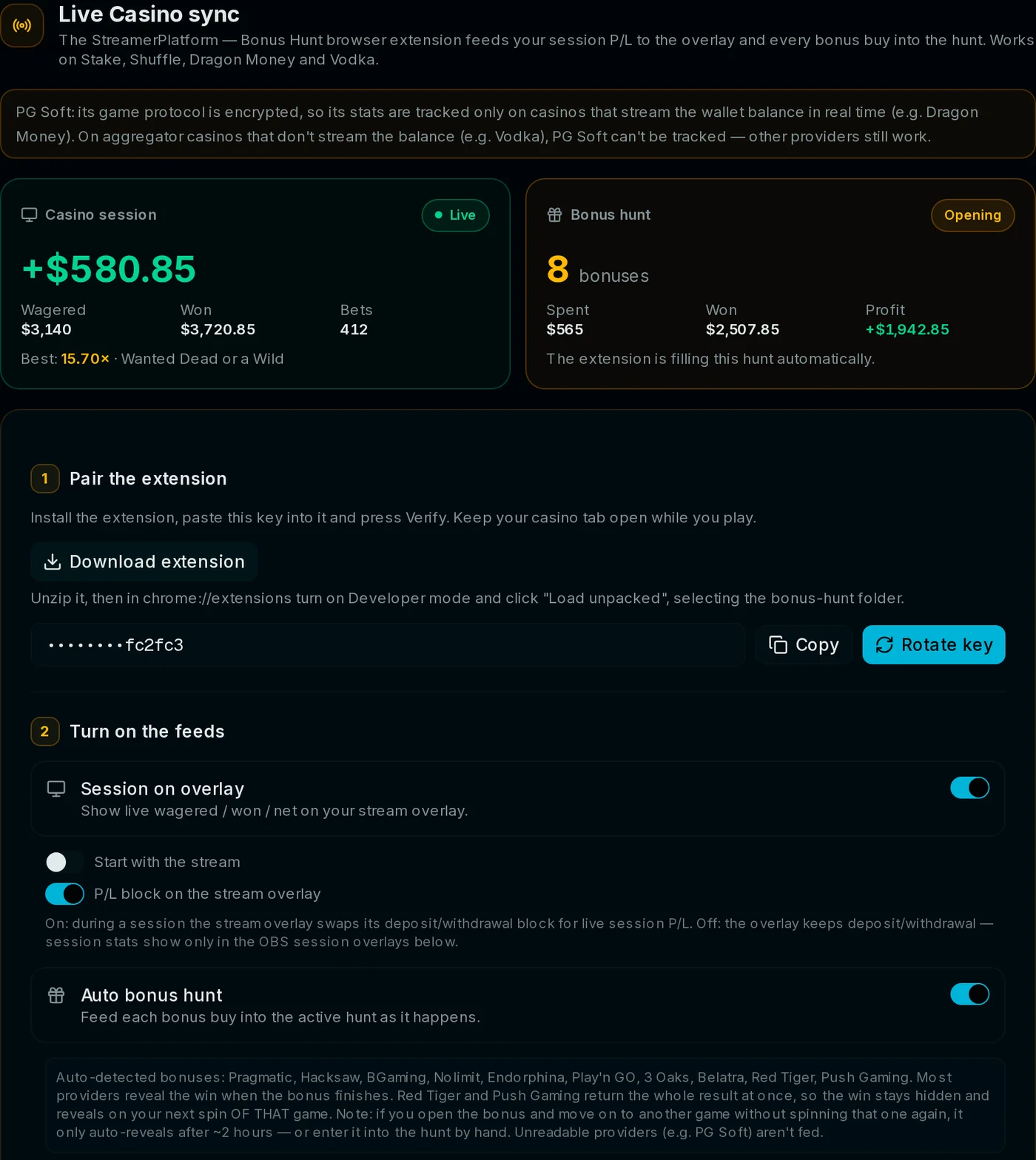
What the tracker detects on its own
The start of the bonus game. The moment you buy a bonus or land one from a spin, the slot appears in the hunt with its buy cost and an 'opening' status. The name is matched against a database of ~5000 games and the slot image is pulled in automatically.
The end of the bonus game. Once the bonus finishes, the extension sees the final payout and records the win and the multiplier. The hunt row closes itself, even if you open the bonus an hour later.
The game currency. Playing in pesos or dong while your hunt runs in dollars? Amounts are converted into the hunt currency automatically at a live rate.
What does not belong in the hunt. Regular base spins stay out of the list: there is a minimum bet threshold and a 'bonuses only' mode, so the hunt never gets cluttered.
The OBS widget updates hands-free
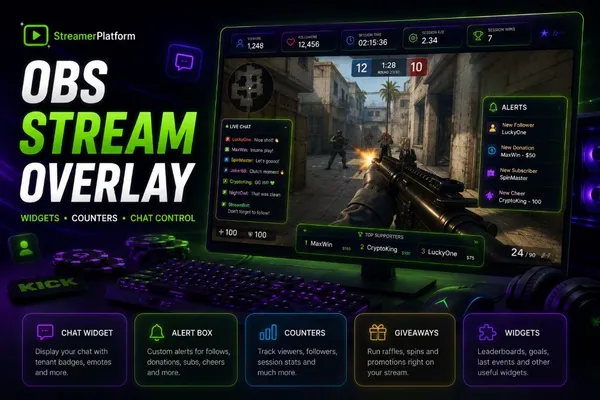
The bonus hunt widget reads the same hunt the extension is feeding. Viewers see every result the moment it happens: a new slot shows up right after the buy, and the win and multiplier land as soon as the bonus is played out. Total cost, average multiplier, profit, best and worst slot are recalculated live.
Session stats on the overlay
Beyond the hunt, the extension can show live session stats on your stream overlay: total wagered, total won, session net and a 'Now playing' block with the cover of the slot you are spinning right now. The two feeds have separate toggles: run just the hunt, just the overlay, or both.
Settings to match your style
Minimum bet for the hunt. A bonus buy is one large bet, so the threshold filters out small spins. 0 = record everything.
Bonuses only. Strict mode: only bets where a bonus actually triggered make it into the hunt.
Start with the stream. The session starts by itself when you go live and stops when the stream ends. The Start and Stop buttons in the extension keep working.
P/L on the overlay. While a session runs, the overlay can swap the deposit/withdraw block for live P/L.
How to turn it on
Open the iGaming section in the admin panel and find the Casino sync block.
Generate a key, paste it into the extension and press Verify.
Enable the Auto bonus hunt toggle (and Session on overlay if you want it).
Start a bonus hunt right from the same block: starting balance and currency.
Play. Buys and wins are recorded by themselves and the OBS widget updates in real time.
Where it works
The extension works on Stake, Shuffle, Dragon Money and Vodka and understands games from most major providers: Pragmatic Play, Hacksaw, 3 Oaks, TrueLab, Stake Engine studios and more. If a slot is not recognized, nothing breaks: automation and manual tracking work side by side, and any hunt row can be fixed by hand or added with a chat command.
The automatic bonus hunt is already part of the platform, together with the OBS widget and chat-based slot collection. Create your streamer site and run your first hunt where nobody writes anything down. For how the tracker itself and the chat commands work, read the bonus hunt tracker article.
Launch this on your channel
Build your own site on StreamerPlatform: activities, rewards and giveaways work out of the box.
Create your site freeI love streams and I also really enjoy coming up with something new to interact with viewers.