Your Own Streamer Website: the Full 25-Minute Walkthrough
One video, one streamer platform: stream widgets, activities, a prize wheel, viewer economy, your own domain and an overlay. How a streamer website works inside.
 Pavel··5 min read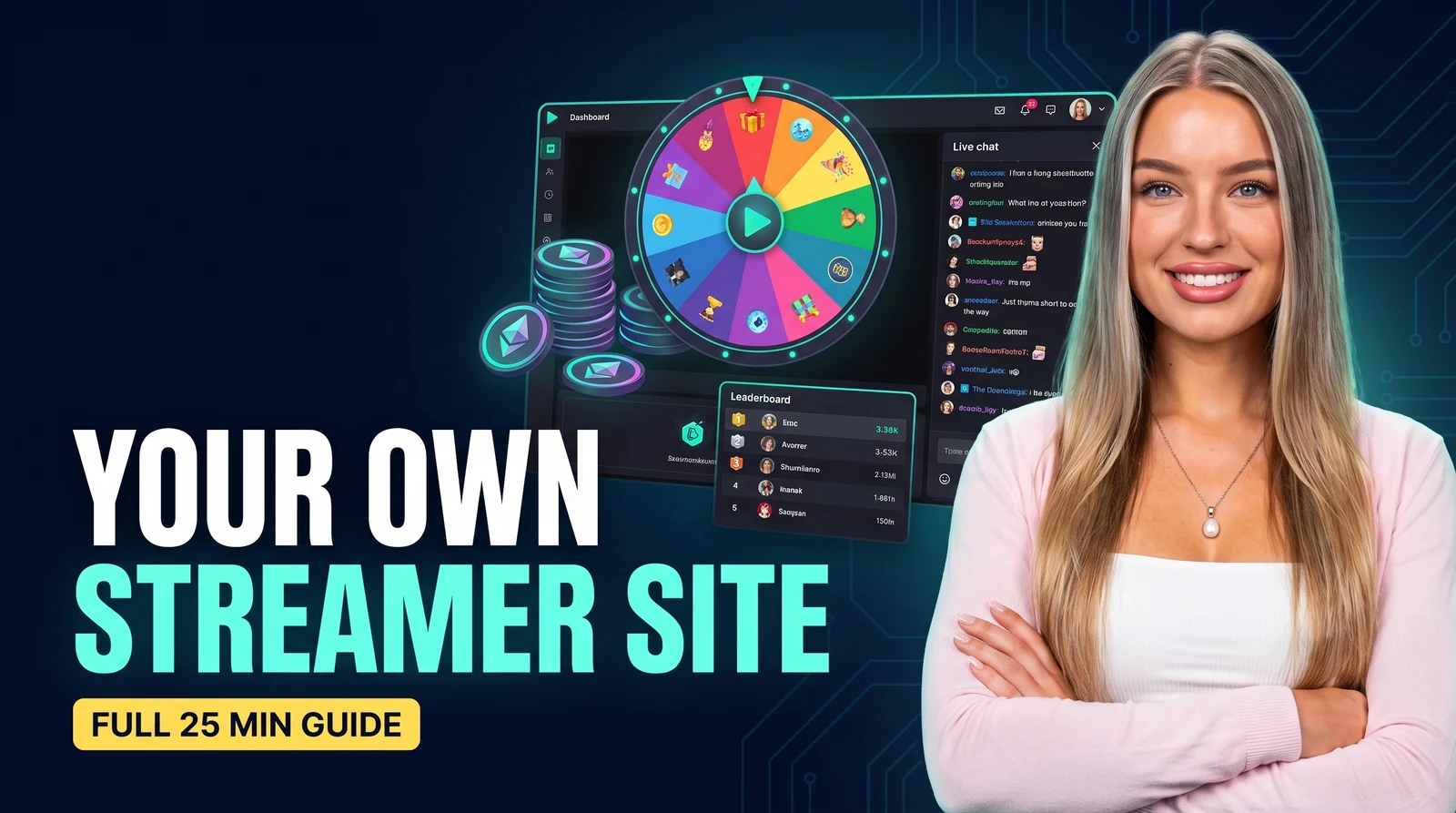
A stream disappears the moment you go offline. A website keeps working: viewers spin the wheel, finish quests, spend coins in the market and come back tomorrow to check the leaderboard. We recorded one 25-minute video that walks through the entire streamer platform, section by section, exactly as you would set up your own streamer website.
What the walkthrough covers
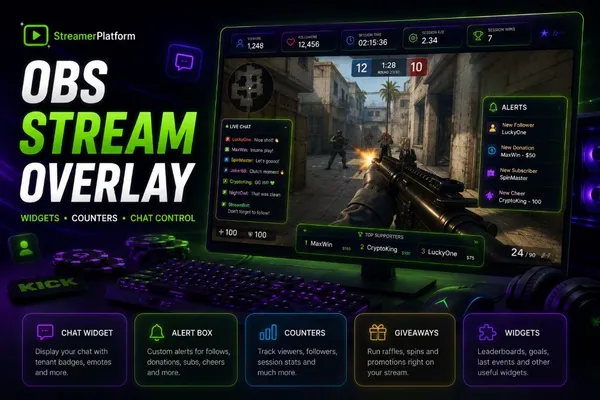
00:00 Stream widgets — how anything gets on the stream: one browser-source link for OBS.
03:47 Activities — predictions and votes your chat plays along with.
06:23 The Wheel — collect participants from chat or the site, filter them, spin live.
08:39 Giveaways — raffles with tickets, requirements and a response timer.
10:49 Achievements and 12:56 Tasks — long-term goals that reward loyalty automatically.
14:55 Market and 16:29 Watch Rewards — the coin economy: viewers earn by watching and chatting, then spend.
18:05 Viewers — every fan has a file: balance, badges, premium, bans.
19:44 My Site — branding with an AI palette, platforms, modules, your own domain.
21:30 Stream Overlay — the frame around your stream, with counters and a second widget.
22:53 Chat Commands & AI Agent — run all of it without leaving the chat.
Why one streamer platform beats a pile of separate tools
Alerts in one service, giveaways in another, points in a third: every tool has its own login, its own branding and its own subscription. Here the stream widgets, the economy and the overlay share one viewer database across streaming platforms like Twitch, Kick and YouTube, so a coin earned by watching is the same coin spent on a market item or a raffle ticket.
How to watch it
The video follows the admin panel in the same order the checklist suggests after signup. Open your own panel side by side, pause after each chapter, and by the end of the video your site is live too.
Everything in the video takes one evening to set up. Create your site at streamerplatform.com: sign in with your streaming account, pick a name, and the checklist walks you through the rest.
Launch this on your channel
Build your own site on StreamerPlatform: activities, rewards and giveaways work out of the box.
Create your site freeI love streams and I also really enjoy coming up with something new to interact with viewers.