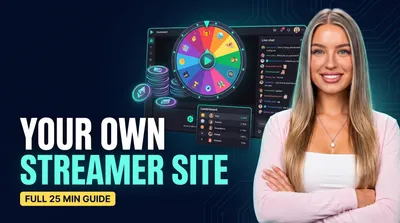
Casino Streamer Site Setup: the Full 25-Minute Walkthrough
The full casino streamer toolkit in one video: slot picks from chat, a bonus hunt with an OBS widget, coin economy and a deposit tracker overlay.
 Pavel··5 min read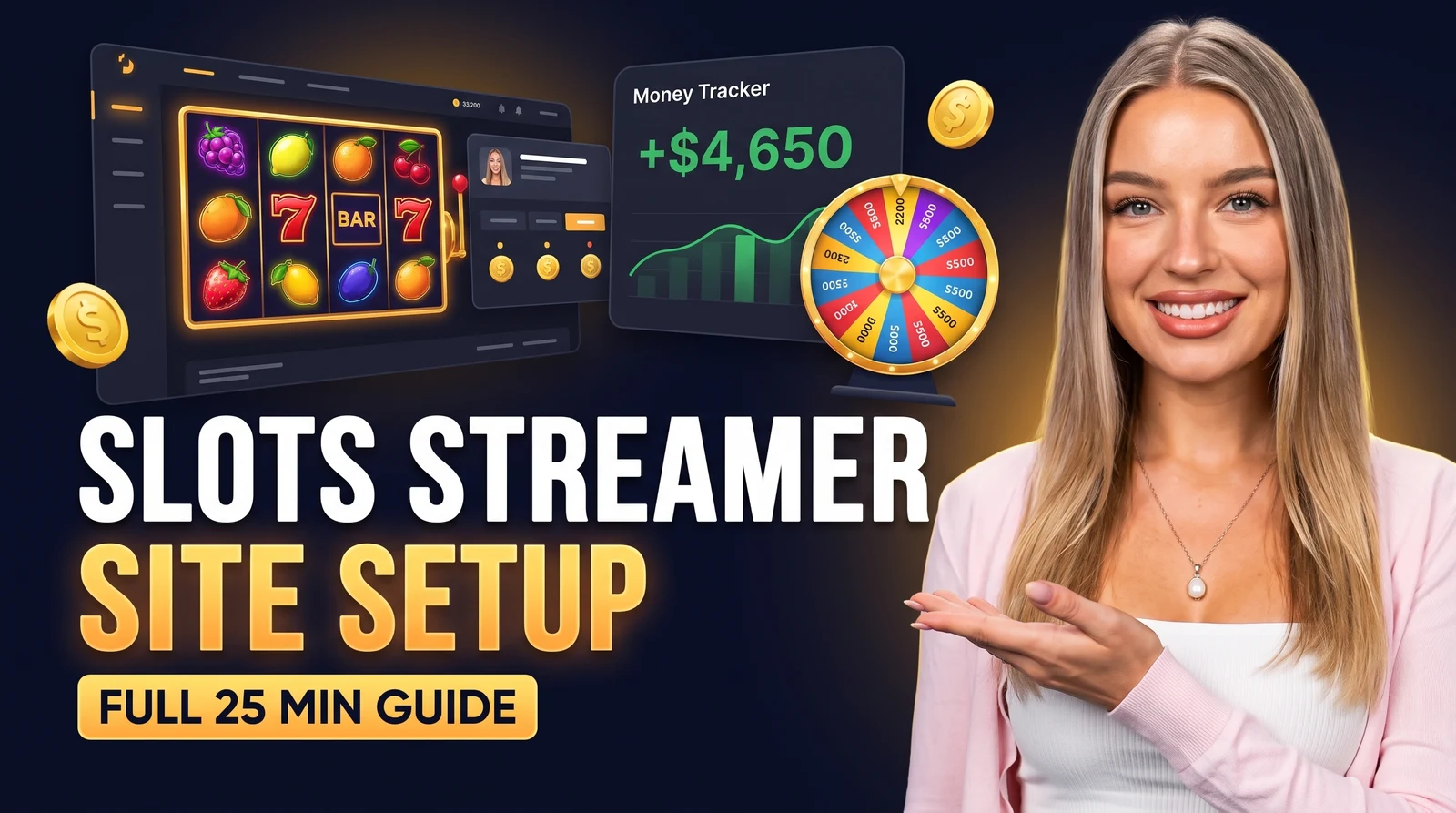
A casino streamer's broadcast has its own rhythm: chat calls the next slot, a bonus hunt collects entries, the overlay tracks the session. Gluing that together from generic tools never quite works, so we built a platform where the slots workflow is native, and recorded one 25-minute walkthrough of all of it. Everything below works the same on Kick, Twitch and YouTube.
What the walkthrough covers
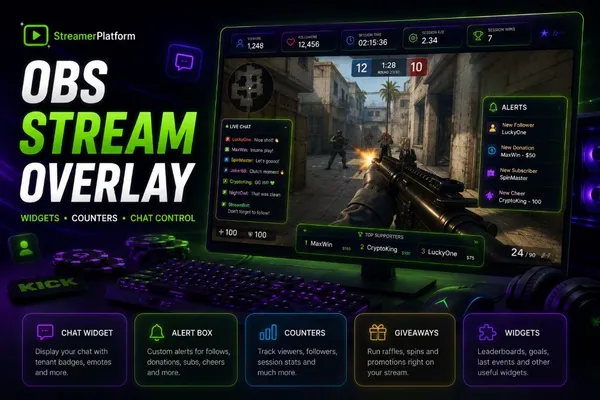
00:00 Widgets — one browser-source link for OBS carries everything below.
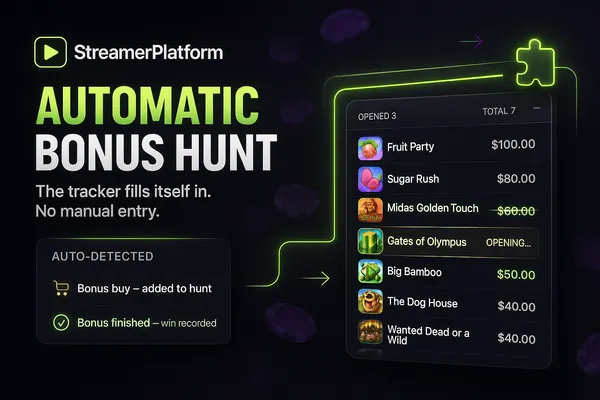
03:47 Slot Activities — viewers name slots right in chat, fuzzy matching finds them in a 5,000-title database; slot battles and a bonus hunt with a live widget.
06:05 The Wheel — collect from chat by keyword, filter by badges or subscription, spin live.
08:21 Giveaways and 10:31 Achievements — raffles with requirements, long-term goals with automatic coin rewards.
12:38 Tasks, 14:37 Market, 16:11 Watch Rewards — the loyalty economy: coins for watching and chatting, spent on goods and tickets.
17:47 Viewers — files on every fan: balances, badges, premium, bans that survive a rename.
19:26 My Site — branding, platforms, modules, your own domain.
21:12 Stream Overlay — deposits and cashouts logged in two clicks, a live net result, a money goal with a progress bar, chat commands like !dep and !goal.
22:34 Chat Commands & AI Agent — the whole panel runs from chat, or by voice.
What is a stream overlay for a casino streamer?
The frame around the gameplay, and the heart of this edition: every deposit and every cashout lands in a visible tracker, the net result updates live on stream, and the money goal fills as the session goes. Viewers stop asking "how much is he up" because the answer is always on screen.
How to watch it
The video mirrors the admin panel in setup order, the same path other casino streamers take after signup. Open your own panel next to it, pause after each chapter, and the site goes live the same evening.
Everything in the video takes one evening to set up. Create your site at streamerplatform.com: sign in with your streaming account, pick a name, and the checklist walks you through the rest.
Launch this on your channel
Build your own site on StreamerPlatform: activities, rewards and giveaways work out of the box.
Create your site freeI love streams and I also really enjoy coming up with something new to interact with viewers.